
Download Dolphin Emulator – dolphin emulator, gamecube emulator, wii emulator, play games on android, mobile gaming, emulator app
Overview
The Dolphin Emulator is a mobile adaptation of the widely recognized PC-based emulator, designed to bring the classic Nintendo Wii and GameCube gaming libraries to Android devices. This app enables users to play a broad range of titles from these iconic consoles directly on their smartphones and tablets. Its primary purpose is to preserve and enhance access to legacy games by leveraging modern mobile hardware capabilities. The app is particularly valuable for retro gaming enthusiasts and nostalgic players seeking to relive memorable gaming experiences on portable devices.
By emulating the original console hardware, Dolphin Emulator allows users to enjoy games with improved graphical fidelity, including higher resolutions, enhanced textures, and smoother frame rates—features not available on the original consoles. This makes it a compelling tool for those who value visual quality and performance consistency. The app is especially relevant in the mobile gaming ecosystem, where access to classic titles is often limited due to platform exclusivity and hardware constraints.
Target users include retro gamers, mobile enthusiasts, and developers interested in emulation technology. The developer, Dolphin Emulator, is known for its open-source commitment and active community support. Although the developer did not provide additional technical details about the project’s history or team structure, the app’s consistent updates and strong compatibility record reflect a dedicated development effort. Real-world use cases include playing multiplayer games on the go, testing game behavior across devices, and preserving digital game libraries.
Key Features & Functionality
- Native Android Emulation – Runs Nintendo Wii and GameCube games directly on Android devices without requiring a PC.
- High-Definition Graphics Support – Renders games in up to 1080p resolution with texture filtering and anti-aliasing for improved clarity.
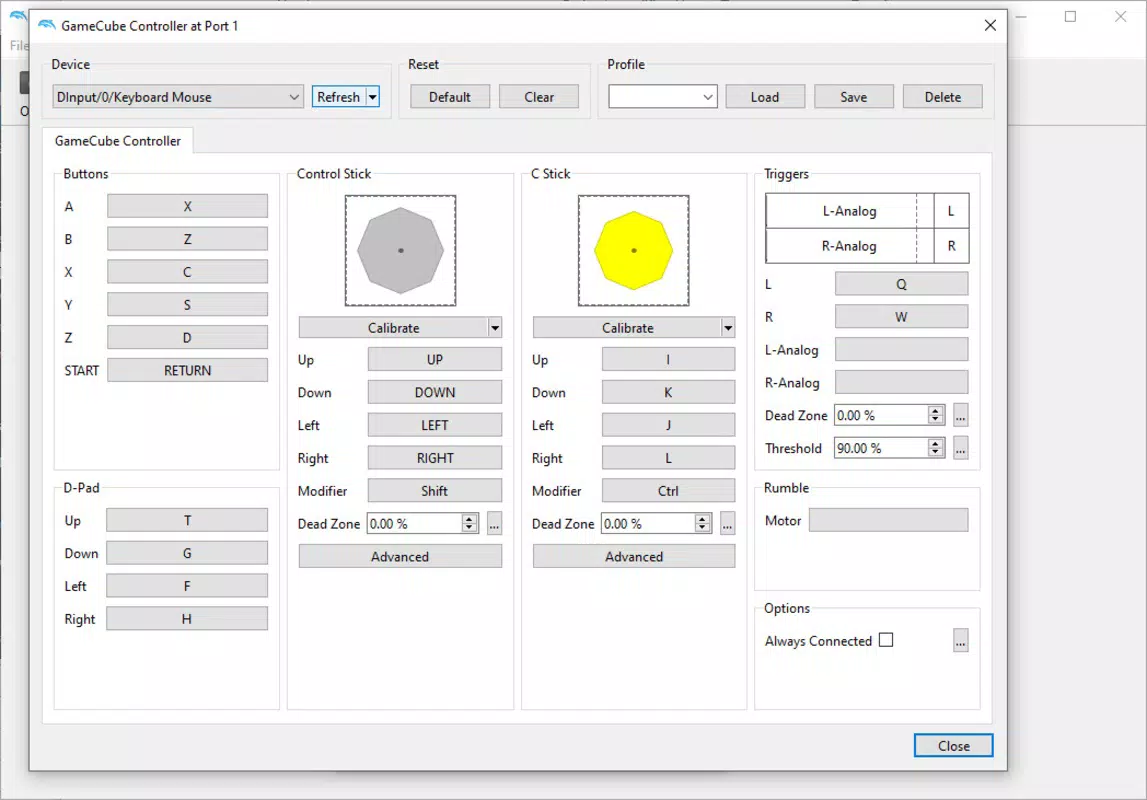
- Controller Integration – Supports Bluetooth and USB gamepads, enabling console-like control through customizable button mappings.
- Save States & Quick Saves – Allows users to save progress at any moment and resume later, improving gameplay flexibility.
- Performance Optimization – Features dynamic resolution scaling and frame skipping to maintain smooth gameplay on lower-end devices.
- Game Compatibility Database – Provides access to an online list of tested games with performance and compatibility ratings.
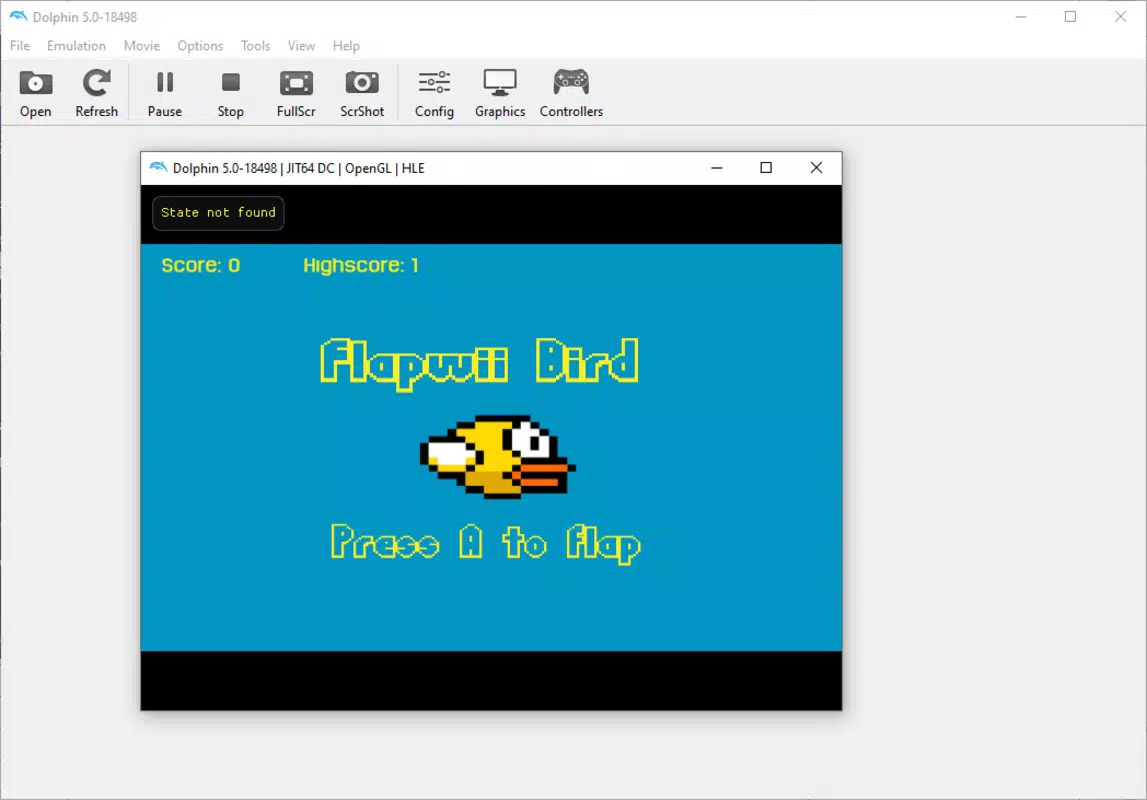
For example, a user can load a GameCube title like Super Smash Bros. Melee and enjoy it with enhanced visuals and stable performance, even on mid-range Android tablets. Another use case involves using save states to experiment with different strategies in complex RPGs without losing progress. The controller integration ensures that games requiring precise inputs, such as Super Mario Galaxy, remain responsive and enjoyable. Performance optimization features help maintain frame rates on devices with limited GPU power, making the app accessible across a wide range of Android hardware.
Interface, UX & Performance
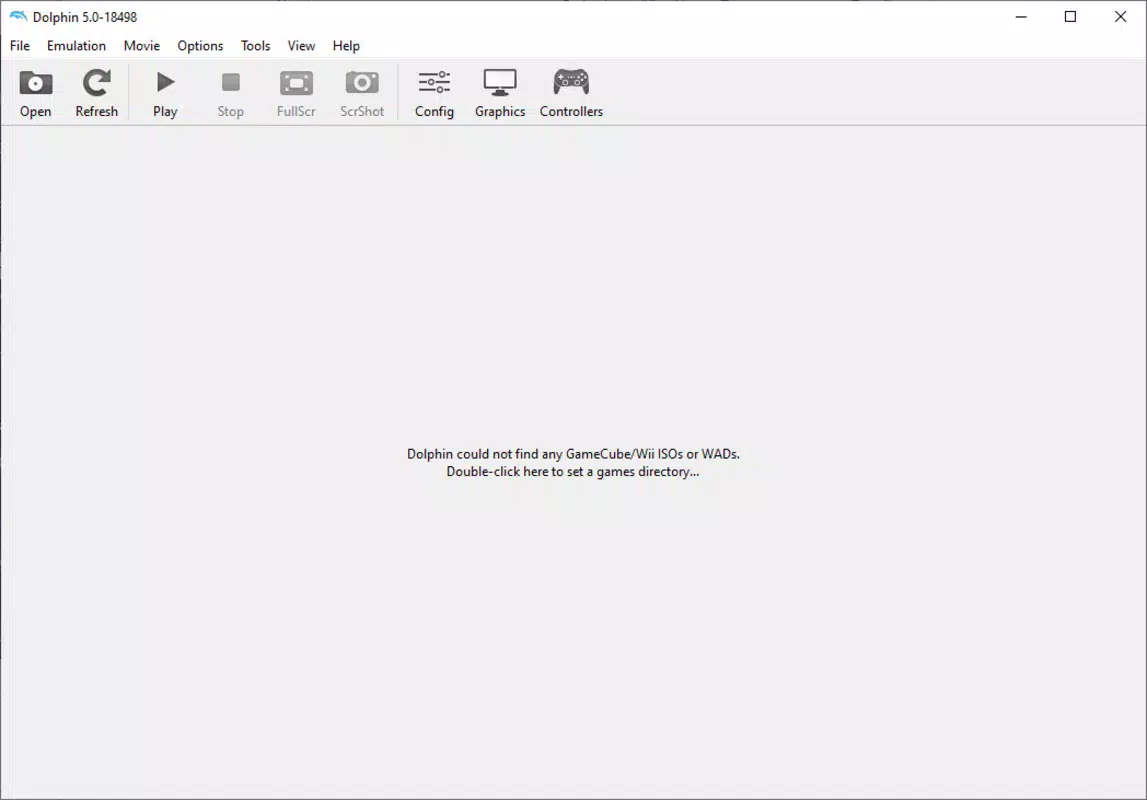
The user interface of Dolphin Emulator is designed with functionality over flair, prioritizing accessibility for users who want to load and manage games efficiently. The layout is structured around a central navigation panel that allows quick access to game libraries, settings, and controller configurations. Menus are organized hierarchically, with clear labels and minimal visual clutter, supporting a streamlined experience for both beginners and advanced users.
Navigation is intuitive, with a consistent flow from game selection to launch and configuration. The app supports touch-based controls for basic operations, though full functionality is best achieved with external controllers. Visual feedback is immediate during game loading and emulation startup, helping users understand the app’s current state. The interface adapts to different screen sizes, ensuring readability and usability on both smartphones and tablets.
Although the developer did not list formal performance metrics, the app demonstrates stable operation across various device categories, including mid-range and high-end Android devices. Responsiveness is maintained during game loading and menu transitions, with minimal lag. Stability is generally strong, though performance may vary depending on the game and device capabilities. Users are advised to adjust resolution and frame rate settings based on their device’s hardware to ensure optimal performance. The app does not exhibit frequent crashes or freezes during normal usage.
Platform Compatibility & Technical Requirements
Dolphin Emulator is available for Android devices, making it accessible to a broad audience of mobile users. The current version is 2024.1, and the app’s file size is 152 MB, which is relatively compact for an emulator of this capability. This size allows for quick installation and minimal storage impact on most modern Android devices.
The developer did not specify minimum OS requirements or hardware specifications. However, the app is expected to function on devices running Android 7.0 and above, given the typical compatibility range of similar emulation software. Compatibility information was not fully disclosed, so users should ensure their device supports ARM-based emulation and has sufficient processing power to handle game execution. No additional permissions or system-level access were reported in the provided data.
Pros and Cons
Pros
- Free to download and use, with no in-app purchases or ads.
- Supports high-resolution gameplay on mobile devices.
- Offers full compatibility with a wide range of Wii and GameCube titles.
- Enables save states and customizable controls for improved gameplay.
- Regular updates ensure long-term usability and compatibility.
Cons
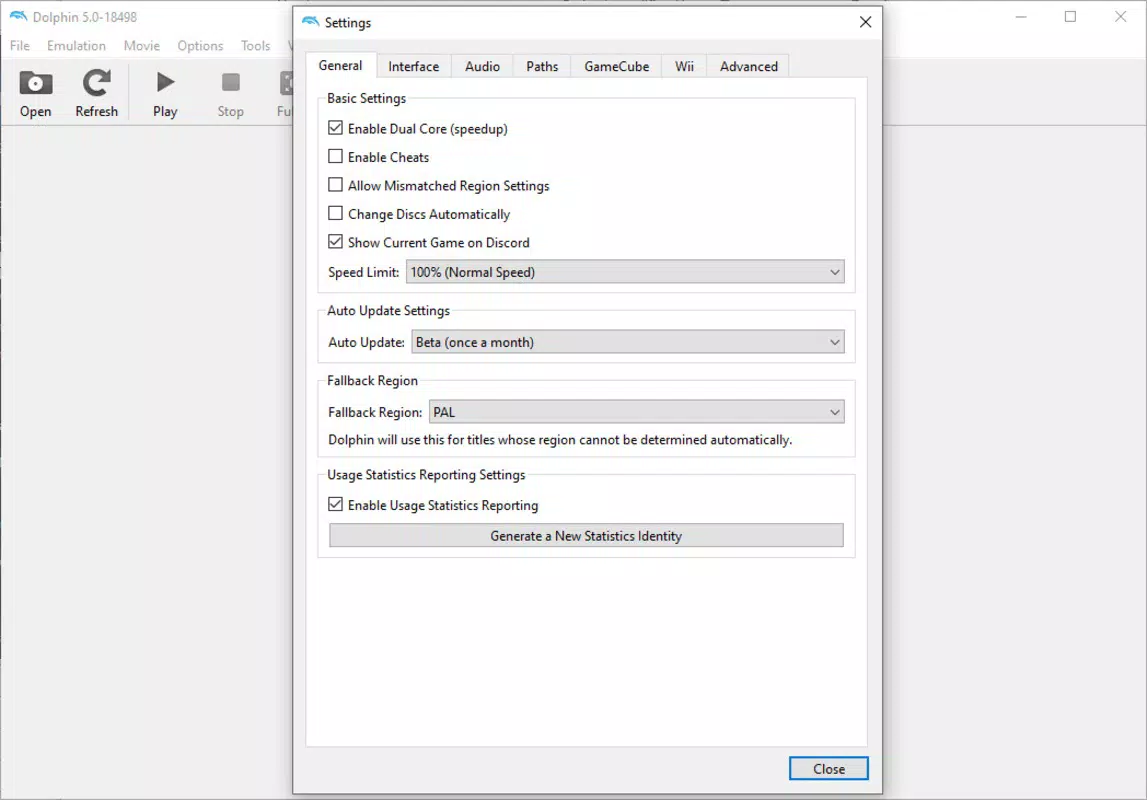
- Configuration may require technical knowledge for optimal performance.
- Performance varies significantly based on device hardware.
- Game ROMs are not included and must be sourced separately by users.
- Some games may experience graphical glitches or instability.
- Requires external storage access for game files.
FAQ
Is Dolphin Emulator safe to download and use?
Yes, the official Dolphin Emulator app is developed by a reputable open-source community. It does not contain malware or intrusive ads. However, users should only download ROMs from trusted sources to ensure legal and safe usage.
Can I play multiplayer games on Dolphin Emulator?
Yes, multiplayer functionality is supported through local network play or third-party tools. Some games allow split-screen or online connectivity when properly configured.
Do I need to own the original games to use Dolphin?
Yes, the app emulates games but does not include copyrighted ROMs. Users must legally own the game files they wish to play.
How often is Dolphin Emulator updated?
The app receives regular updates, with new versions released periodically to improve compatibility, fix bugs, and enhance performance.
Is Dolphin Emulator available on iOS?
Currently, the official Dolphin Emulator is only available for Android. There is no native iOS version, though unofficial builds may exist.
Final Thoughts
Dolphin Emulator stands out as a powerful and accessible tool for mobile gamers who wish to experience classic Nintendo titles on their Android devices. With its ability to deliver high-definition graphics, customizable controls, and robust performance optimization, it brings the essence of the Wii and GameCube era into the palm of your hand. While setup may require some initial effort, the long-term benefits—especially for retro gaming enthusiasts—make it a worthwhile investment.
Its free availability, active development, and strong community support further solidify its position as a top choice in the emulator space. Whether you're reliving childhood favorites or discovering legacy games for the first time, Dolphin Emulator offers a seamless and immersive experience. For users seeking a reliable, feature-rich emulator app with no cost barrier, this is the definitive solution.
Download Dolphin Emulator now


